Ask About OurKids Programs!
✅ Already paid? Go to the formWould you like the Kids Educational Interactive Video or the Kids Bible Moral & Faith Stories for your child? Scan the QR code to make payment, then fill in your details, choose your package and either attach your payment slip or send us your payment reference. Your username, password and subscription expiry date will be emailed to you automatically.
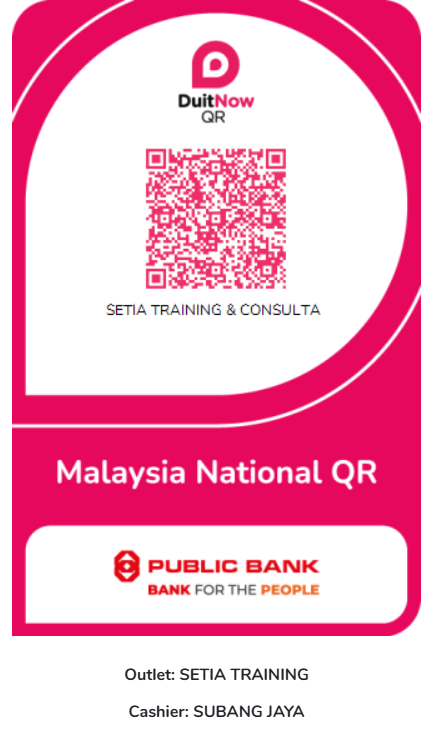
📮 💌 ✏️Step 1: Scan to Make Payment
Scan this DuitNow QR code with your banking or e-wallet app. After payment, you will get a payment reference and slip.
Paying on your phone? Press Save QR Code. Then open your banking or e-wallet app, choose Scan QR, and select the saved picture from your gallery.
Kids Educational
Interactive Video
PACKAGE A
270 animated stories in 6 languages to watch, listen and learn.
Kids Bible Moral
& Faith Stories
PACKAGE B
Bible stories with a lesson and a memory verse for every child.
Story ideas
Tell us a story or value you would like your child to learn.
Email Us
Website
kidskingdom.world
Setia Training & Consultancy Services